Safety Waypoint (WPS)
Marks hazards, junctions, populated areas, mandatory passages and speed-limited sections. It must be strictly respected: ignoring a WPS or entering a prohibited area means immediate exclusion.
Rider Information · Rally GPX and Explorer GPX
Rally GPX and Explorer GPX follow the official track on their own device, Gate by Gate. Here is how the tracks work, what to install and what to check before Paris.
The route is released one leg at a time: the GPX to reach the next Gate is sent by email after each briefing. Nobody rides with the whole route in the pocket.
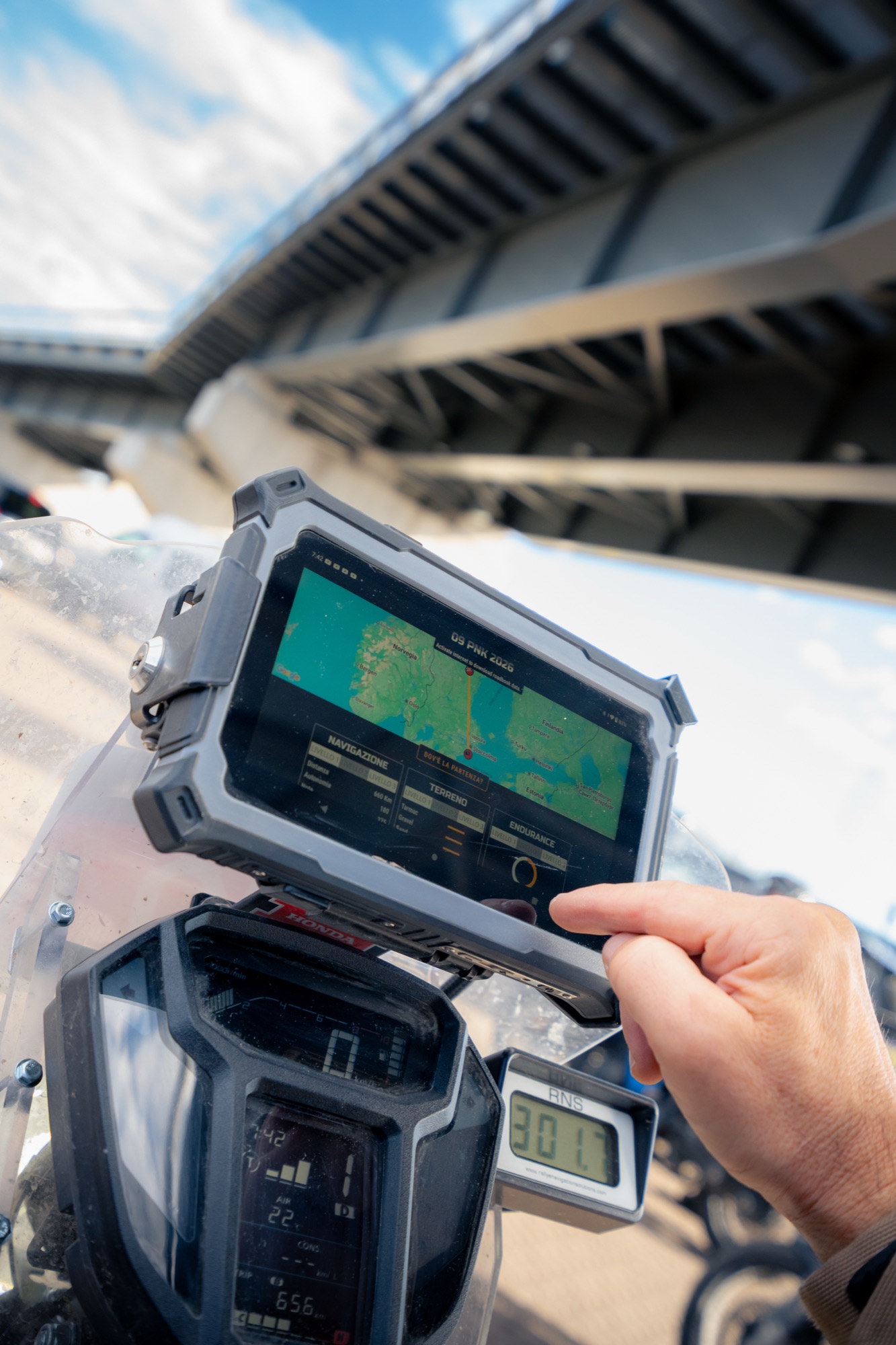
A GPS, tablet or smartphone with a navigation app, and a second GPS device to complete the route if the main one fails. Both are mandatory.
There are no transfers: the whole track is the route. If you leave it for fuel, a hotel or a repair, rejoin it exactly where you left it. The tracker records everything.
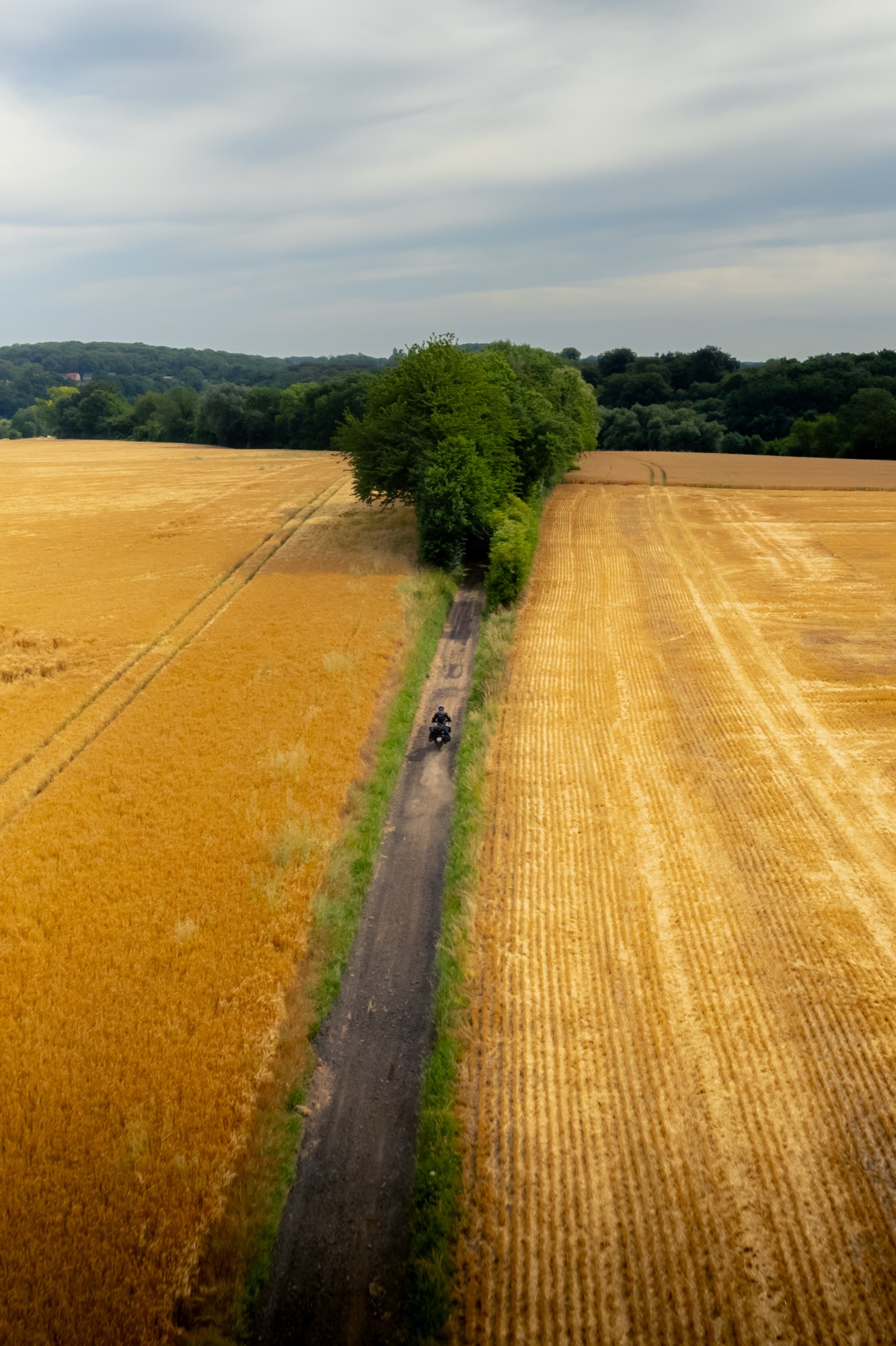
The Rally tracks are divided into sectors by design: blue sections are tarmac, purple sections are off-road. Import them into your app as separate tracks, not as a single combined one: you will always know what is coming next.
The tracks also carry the hazard warnings and important notes written by the recce team. Make sure the visibility of these notes is enabled in your app.
The Explorer track is 100% tarmac (where available). It is scenic, winding, with higher averages and roads chosen for the pleasure of riding, and it crosses the Rally route several times.

Any app or GPS that displays a GPX track and its waypoints with their names works. For the 2026 edition the recommended app for all GPX classes was OsmAnd, with offline maps of every country crossed.
One tip from our experience: do not use the “navigate route” function. Simply import the track and display it on the map, then follow it visually. Turn-by-turn navigation tends to recalculate and pull you off the official track.
The app confirmed for 2027, with installation instructions, is sent to entrants with the Participant’s Guide and explained during the Paris days.
Three kinds of waypoints, common to all categories. One of them is not negotiable.
Marks hazards, junctions, populated areas, mandatory passages and speed-limited sections. It must be strictly respected: ignoring a WPS or entering a prohibited area means immediate exclusion.
The points to validate along the route. They are what makes your route percentage, and therefore your Finisher level.
Only for the RoadBook category: waypoints that support navigation with the digital RoadBook. GPX riders can ignore them.
Before each Gate you receive the Waypoints Helper: the key places along the leg with fuel, hotels, campsites, workshops and services, with GPS coordinates you can open in OsmAnd, Locus or any navigation app.
It is a planning tool, not a navigation tool. Route strategy stays yours: how far to push each day, where to sleep, where to refuel. Stay flexible, ride smart.
Install the app and the offline maps at home, test an import with any GPX file, check that your mount, cables and battery last a whole day of riding. In Paris, a shakedown route around the Château lets you test everything for real, and a navigation course answers your questions.
Keep checking Sportity: deviations, closed sectors and updates to the tracks are published there, with the coordinates to leave and rejoin the route.
How check-in works, what you find inside, how the Gate Battle can shorten your route.


Taking you to registration
Registration and payment take place on Roadbooking, the official Paris-Nordkapp registration platform.